
Darcy Watkins – May 15, 2026
This is an article on using an AI tool, Applio, to fix up lyrics from a recording session.
Maybe the vocalist sang it wrong, or there were ad libs from a live recording that you don’t want. Or maybe the lyrics were changed in a co-write AFTER recording for a demo. In any case, the vocal tracks need to be edited, copy / paste of clips won’t be enough and pulling everyone in for another recording session isn’t an available option either.
I get that there are diverse opinions regarding the use of AI for song writing. But for this article, I am suggesting AI as a tool for editing tracks recorded by humans in a conventional sense. Think of it as like using pitch correction tools, except that we are using tools to correct or edit a few lines or phrases of lyrics.
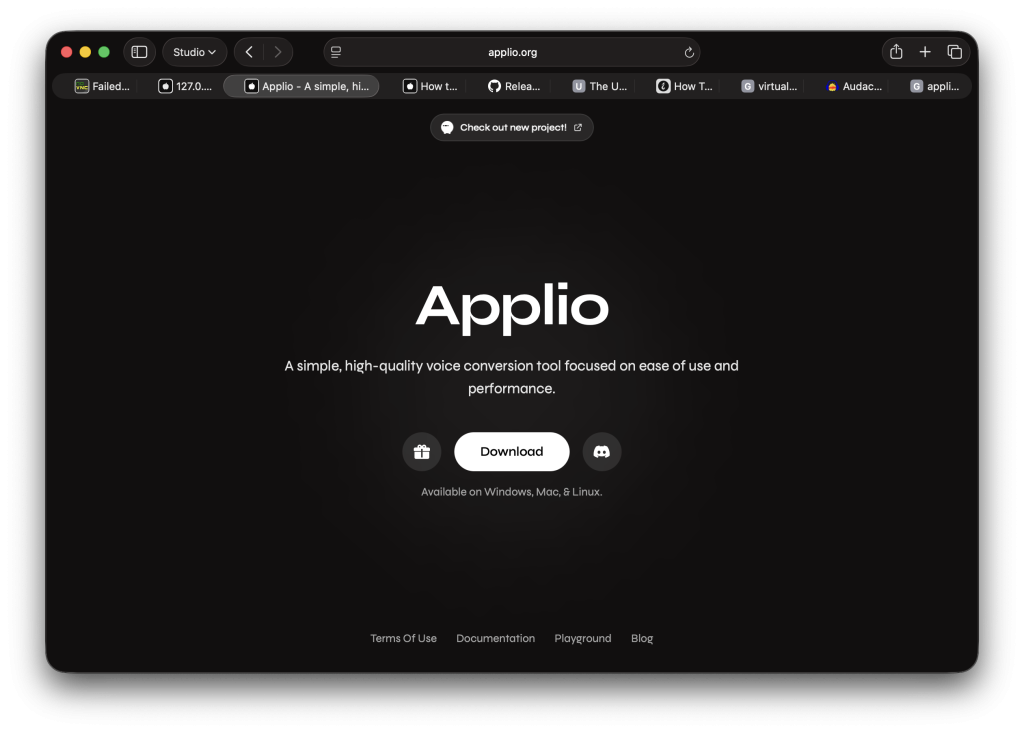
The AI tool I used for this occasion is Applio, available from https://applio.org. Applio is a free open-source software (FOSS) package written primarily in the Python programming language. It can be installed to run on your own hardware, a Windows PC, a Mac or a Linux PC. When launched, it runs in the background exposing a web server on localhost (127.0.0.1) at port 6969. You connect to it at http://127.0.0.1:6969. If you have a Linux server setup, you could make this available to your other PCs (and/or Macs) rather than run it on the same machine as your DAW.
One of the nice features of Applio is there is no recurring subscription charging to your credit card. It’s free, just may take a bit of work to properly install it.
Once all is installed and setup, the steps involved are below:
- Feed Applio with sufficient samples of the vocal content to model each vocalist. This activity recurs per vocalist you need to model. This typically involves:
- Export vocal samples (per vocalist) from as many takes, tracks, etc. that you have in your project. (This is a good reason to keep all your takes, including those you do not use in your final mixdown).
- Exported audio must be ‘dry’ (i.e. no reverb or other effects). Export to format supported by the AI tool (typically .WAV). Use a program such as Audacity to remove sections of silence from each vocal .WAV file.
- Upload the .WAV files to Applio to train the vocalist model.
- Train Applio to generate the vocal model. This activity recurs per vocalist you need to model. You best follow the step-by-step instructions of the Applio documentation here.
- Create reference recordings for the content that you want to generate. Record yourself (or a different available vocalist) and record tracks for each replacement section. This activity recurs per track / take that needs replacement content.
- Make sure that these are clean and dry recordings.
- Export these to a supported format (e.g. .WAV). Silence removal isn’t as important here. In fact, you may want sufficient front margin to make it easier to align the generated content to the bars within the project.
- Upload these to Applio.
- Use Applio to morph each reference recording to the modelled vocalist for that track section. You best follow the step-by-step instructions of the Applio documentation here too. You may need to up or down shift an octave if switching from a male reference to a female generated content.
- In one case, generating a female vocal part, I found it more effective to convert from myself using falsetto than to up shift the pitch.
- Save the generated content as .WAV files.
- Import the segments into your DAW and edit each into your tracks, replacing the original content.
- This is typically a copy-paste operation, but in some cases could require an A / B track approach using cross fades.
- You will most likely need to adjust volume envelopes to match the level of your punch-in content with the neighbouring track audio.
- Also make sure that you apply the same effects, etc.
I used Applio, but this can be done using any AI voice processing tool that supports voice morphing.
The success of this approach may vary from vocalist to vocalist and from project to project. Treat it like using pitch correction in a sparing manner. Don’t overdo it. It may work fine for a quick fix here and there, but likely won’t be effective if the lyrics are entirely rewritten.
If your project is a demo, then it should be totally adequate. And this may even work in a professional production context.
A fair amount depends on your AI tool (and perhaps your budget). Other possible applications are:
- Updating an audio book to match a new edition of a book.
- Changing dates, names, places in a recurring ad’s sound track (i.e. can use a template like approach).
I tried this out using Applio on a MacBook Pro 2026 16” (M5 Pro with 48GB DRAM) it took approx. 2-3 hours to train a model per vocalist. Then it was a few minutes per section or vocal line to morph it from my voice to the vocalist of the model. This was all run local on my MacBook (i.e. not on a cloud server). An older PC may take significantly longer (even overnight) to train a model, plus the processing time may be more than a few minutes. But I think the approach is sound, and kind of even cool. And it gives new meaning to the expression, to put words into someone’s mouth. Cheers.